Classic Sliding-Puzzle Play
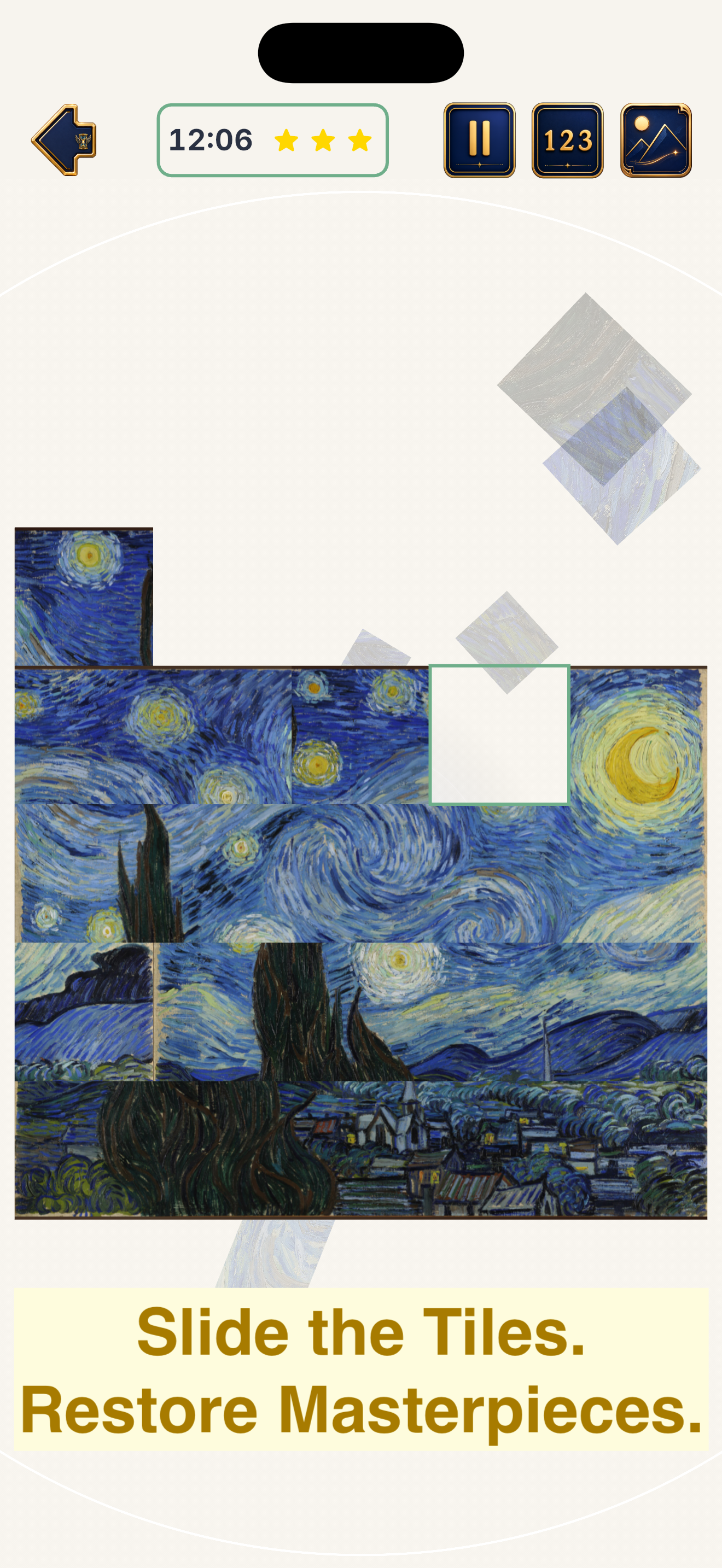
Reconstruct each painting by reading color, composition, texture, and visual rhythm—not just tile numbers.
Masterpieces · Sliding Puzzles · Art History
Restore timeless paintings, travel through the history of art, and discover the stories behind every masterpiece—one sliding tile at a time.
A Gallery You Can Play
ArtSlider transforms celebrated works of art into elegant sliding puzzles. Complete each painting, unlock its historical context, and continue your journey through major artistic eras—from the Renaissance and Baroque to Impressionism, Post-Impressionism, and Modern Art.
Reconstruct each painting by reading color, composition, texture, and visual rhythm—not just tile numbers.
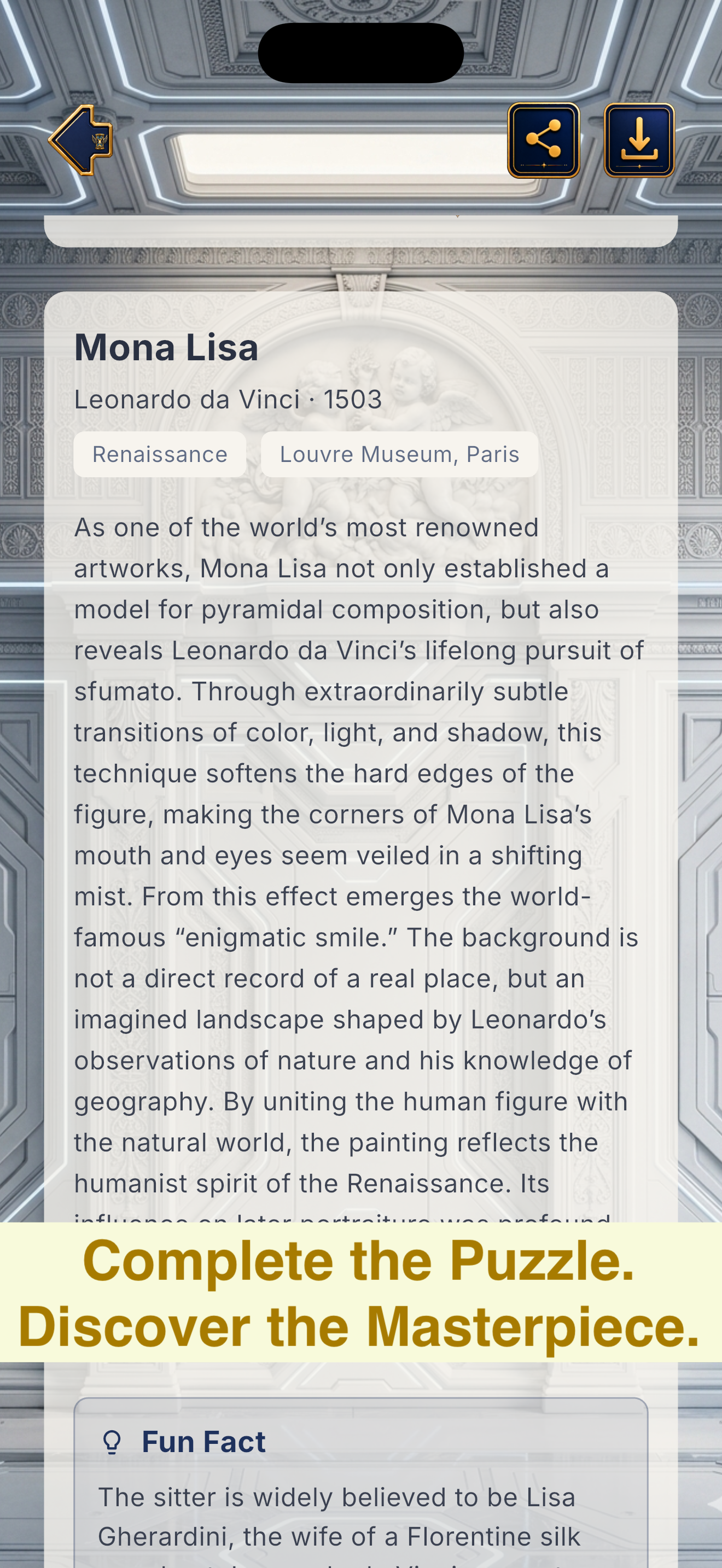
Learn why a work matters, what made it recognizable, and how it changed the visual language of its era.
Progress through a narrative world of galleries, portals, and artistic periods with a refined blue-and-gold atmosphere.
Clear controls, responsive layouts, pause support, and carefully tuned feedback keep the artwork at the center of play.
Game Preview

Highlights
ArtSlider combines a familiar puzzle format with curated cultural content and a story-driven presentation.
Support & FAQ
The answers below cover the most common gameplay, permission, and advertising questions.
Tap or slide a movable tile into the empty space. Continue rearranging the tiles until the painting is restored. Some levels may introduce special tile rules or time limits.
ArtSlider automatically pauses active gameplay when the app moves to the background, the device is locked, or another system interruption occurs. Return to the game and resume when ready.
The permission is used only when you choose to save an artwork image to your photo library. ArtSlider does not need permission to browse your existing photos.
Where supported, the app may ask for permission to use an advertising identifier so that third-party advertising services can provide more relevant ads. You can decline the request; the app remains playable, although ads may be less personalized.
Make sure the ad has completed and that the app remained active until the reward confirmation. If the issue persists, include your device model, operating-system version, game version, and level name when contacting support.
Open the in-game Settings screen. Available options may vary by platform and app version.
Please send the artwork title, the language in use, and a screenshot or brief description of the issue. Corrections to titles, dates, museum names, descriptions, and translations are welcome.
Contact
Email support with your device model, OS version, app version, and a description of the issue.
Privacy Policy
Last updated: July 10, 2026
ArtSlider does not require you to create an account or submit a name, email address, password, or public profile in order to play.
Game progress, unlocked content, preferences, and related gameplay state may be stored locally on your device. Removing the app may remove this locally stored data unless the platform provides a separate backup mechanism.
When you choose to save an artwork, ArtSlider may request add-only access to your photo library. This permission is used to write the selected image to your library; the app does not use it to inspect or import your existing photos.
ArtSlider may display advertisements, including optional rewarded ads. Subject to your consent and platform settings, third-party advertising services may process device identifiers, advertising identifiers, approximate device information, IP-derived region, and ad-interaction data to deliver, measure, limit, or personalize advertising.
On supported iOS versions, ArtSlider may present Apple’s tracking-permission prompt before accessing the device advertising identifier for cross-app tracking or personalized advertising. Declining this permission does not prevent normal gameplay.
Advertising and platform services operate under their own privacy policies and may process information independently. Their practices are governed by the permissions you grant, platform privacy controls, and the terms of those services.
Warriorsise does not directly sell personal information or use your support email for unrelated marketing. Information sent in a support request is used to investigate and respond to that request.
ArtSlider is not designed to collect personal information directly from children. Advertising availability and personalization may be restricted according to applicable law, age-related platform settings, and the configuration of third-party services.
This policy may be updated when features, permissions, legal requirements, or third-party services change. The latest revision date will appear at the top of this section.
Questions about privacy or support may be sent to [email protected].